Guide
The Complete Guide to Video Annotation for Machine Learning
Video annotation is the process of labeling objects, actions, and events across video frames so that machine learning models can understand and interpret moving visual scenes. It powers some of the most demanding AI applications in production today, from autonomous driving to surgical robotics to industrial quality inspection.
This guide covers video annotation types, the production workflow, key challenges, industry applications, how to evaluate providers, best practices, and where the field is heading.
What Is Video Annotation and Why Does It Matter?
Video annotation converts raw video footage into structured training data that computer vision models learn from. Without it, models can’t track a pedestrian crossing a street, detect a surgical instrument in an operating room, or recognize a defective product on an assembly line.
The Role of Video Annotation in Computer Vision
Computer vision models trained on video need to understand more than what’s in a single frame. A self-driving car needs to know that the pedestrian who disappeared behind a bus is the same pedestrian who reappears on the other side. A surveillance system needs to track individuals across camera angles. A sports analytics platform needs to follow every player through an entire sequence of play.
Video annotation for machine learning makes all of that possible by providing the labeled ground truth that models train against.
How Video Annotation Differs From Image Annotation
Image annotation labels a single moment. Video annotation labels a sequence, and the sequence is where the difficulty lives.
Objects need to be tracked across frames through occlusion (when something blocks the view), re-entry (when an object leaves and returns to the frame), and changes in perspective, lighting, and scale. Annotators need to maintain consistent object IDs across hundreds or thousands of frames. A bounding box that’s accurate on frame 1 and frame 100 but drifts on frame 50 creates training data that teaches the model to lose track of objects.
Video annotation is also more cognitively demanding. Annotators maintain sustained attention over long sequences, and focus naturally drops over time. Image annotation doesn’t carry the same fatigue risk.
The Business Impact of Accurate Video Annotations
Poor video annotations produce models that lose track of objects, misclassify actions, or fail under real-world conditions. The consequences vary by application: unsafe autonomous vehicle behavior, missed events in surveillance footage, unreliable quality inspection on production lines, or failed product launches.
Video annotation errors are also more expensive to fix than image errors. A single tracking mistake can propagate across hundreds of frames, meaning one missed correction can corrupt a large portion of the training data.
Types of Video Annotation
Each video annotation type serves a different purpose, carries different cost and complexity profiles, and requires different tooling and annotator expertise. The right choice depends on what your model needs to learn.
| Annotation Type | What Gets Labeled | Common Use Cases | Relative Complexity | Key Quality Metric |
|---|---|---|---|---|
| Bounding Box Tracking | Rectangular boxes around objects, tracked across frames | Object detection, vehicle tracking, pedestrian detection | Low to moderate | IoU per frame, ID consistency |
| Polygon and Polyline Annotation | Precise object boundaries and linear features (lanes, edges) | Lane detection, road boundary mapping, irregular object shapes | Moderate | Boundary precision, polyline accuracy |
| Semantic Segmentation | Every pixel classified by category across frames | Scene understanding, autonomous driving, medical video | High | Mean IoU, pixel accuracy |
| Instance and Panoptic Segmentation | Individual object instances distinguished within same class | Multi-object tracking, crowd analysis, traffic scenes | Very high | Instance-level IoU, panoptic quality |
| Keypoint and Skeleton Annotation | Body joints, facial landmarks, structural points tracked across frames | Pose estimation, gesture recognition, sports analytics | High | Keypoint localization error, PCK |
| Action and Event Recognition | Temporal boundaries marking when actions start and end | Activity recognition, highlight generation, behavioral analysis | High (temporal judgment) | Temporal IoU, classification accuracy |
| 3D Cuboid Annotation | Three-dimensional bounding volumes tracked across frames | Autonomous driving, robotics, depth estimation | Very high | 3D IoU, orientation accuracy |
| Object Tracking and Re-Identification | Consistent object IDs maintained through occlusion and re-entry | Surveillance, multi-camera tracking, autonomous vehicles | Very high | MOTA, IDF1, ID switches |
Choosing the Right Annotation Type
Start with the model’s task, not the annotation method. Object detection models need bounding boxes. Scene understanding models need segmentation. Action recognition models need temporal labels. If you’re uncertain, start with the simplest annotation type that meets your model’s requirements and increase complexity only when evaluation results show the model needs richer labels. Over-specifying annotation type is one of the most common ways to inflate project cost without improving model performance.
The Video Annotation Process Explained
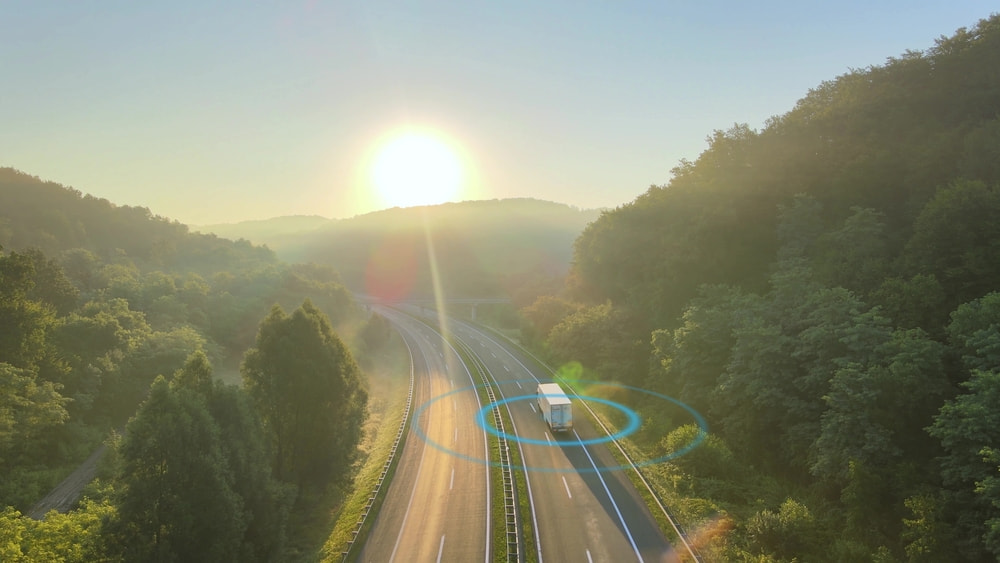
A typical video annotation engagement follows a structured sequence: project scoping and ontology design, frame sampling and keyframe strategy, pilot/calibration batch, production annotation, QA review with temporal consistency checks, and delivery into the ML pipeline. The early stages (ontology, keyframe strategy, pilot) have an outsized impact on the quality and cost of everything that follows.
Frame-by-Frame vs. Keyframe Interpolation
Frame-by-frame annotation labels every single frame in a video sequence. It delivers the highest accuracy but at the highest cost, and it’s only necessary when motion is fast, complex, or unpredictable.
Keyframe interpolation is the more common approach for most production projects. Annotators label selected keyframes, and the system generates labels for the frames in between through linear or spline interpolation. The trade-off in accuracy depends on motion complexity, frame rate, and how well the interpolation algorithm handles non-linear movement. Choosing the right keyframe interval is a critical scoping decision that directly affects both budget and annotation quality.
Pre-Annotation and Model-Assisted Tracking
Pre-annotation uses an existing object detection or tracking model to generate draft annotations that human annotators review, correct, and refine. For objects with predictable motion and clear boundaries, pre-annotation can significantly accelerate throughput. Platforms that integrate pre-labeling directly into video workflows allow annotators to focus on judgment-heavy corrections rather than manual frame-by-frame labeling.
The risk is tracking drift: if the model gradually loses accuracy over a sequence, and annotators don’t catch it, the errors propagate across many frames before anyone notices. Pre-annotation works best when combined with QA processes specifically designed to catch drift and propagated errors, not just per-frame accuracy.
Quality Assurance for Video Annotation
Standard image QA methods are insufficient for video. Video QA needs to include temporal consistency checks (do object IDs persist correctly?), spatial accuracy review on individual frames, tracking smoothness validation (do labels move naturally or jump erratically?), and edge case flagging for ambiguous sequences.
Playback review, where a QA reviewer watches the annotated video at speed rather than inspecting frames in isolation, catches temporal issues that frame-by-frame review misses. Teams that include playback as a dedicated QA step consistently catch tracking drift and ID switches earlier.
Data Formats and Pipeline Integration
Video annotations are typically delivered in formats like COCO, Pascal VOC, YOLO, or custom JSON schemas depending on the model framework and training pipeline. Before engaging a provider, confirm that their platform can export in the format your pipeline requires, and that the delivery includes metadata like frame timestamps, object IDs, and confidence scores where applicable. Re-formatting annotations after delivery is avoidable work that adds cost and delay.
Key Challenges in Video Annotation
Occlusion, Re-Entry, and Identity Persistence
Objects disappear behind other objects, leave the frame, and return. Maintaining consistent IDs through these events is one of the hardest annotation challenges in video. If an annotator assigns a new ID to an object that re-enters the frame, the model learns to treat it as a new object, which breaks downstream tracking performance.
Clear protocols for handling occlusion and re-entry need to be defined in the annotation guidelines before production begins.
Motion Blur and Visual Degradation
Fast-moving objects, poor lighting, weather conditions, and camera shake all make it harder to draw accurate annotations. Annotators need clear protocols for handling degraded frames: when to annotate best-guess boundaries, when to flag for expert review, and when to skip frames entirely.
Scale and Cost
Video generates orders of magnitude more frames than image datasets. A 10-minute clip at 30fps produces 18,000 frames. Even with keyframe interpolation, video annotation projects are expensive and timeline-intensive. Careful frame sampling, interpolation strategy, and scope management are essential to keep projects on budget without sacrificing the annotation density the model needs.
Temporal Boundary Ambiguity
When does an action start and end? Where is the boundary between “walking” and “running”? Temporal annotations require clear, well-documented guidelines to achieve consistency across annotators. Without explicit rules for temporal boundaries, inter-annotator agreement on action labels will be low.
Multi-Camera and Multi-Angle Coordination
Annotating the same scene captured from multiple viewpoints requires maintaining object identity across camera feeds. A person labeled as ID-7 in Camera A needs to be ID-7 in Camera B. Multi-camera coordination is common in surveillance, sports analytics, and autonomous vehicle datasets, and it adds significant complexity to the annotation workflow.
Sensor Fusion: Integrating Video With LiDAR and Radar Data
Many production systems combine video with LiDAR point clouds, radar returns, and other sensor data. Annotating fused sensor data requires workflows that coordinate labels across modalities, ensuring that an object labeled in the video feed corresponds correctly to the same object in the LiDAR scan. Advanced fusion workflows use merged point cloud processing to unify all coordinates into a single frame, eliminating manual frame traversal and giving annotators a holistic view of object sequences.
→ Learn More: LiDAR Sensor Fusion Annotation for Autonomous Vehicles
Annotator Fatigue and Cognitive Load
Video annotation is mentally demanding. Long sequences, high frame counts, and complex tracking tasks increase error rates over time. Managed annotation teams need rotation schedules, break protocols, and workload balancing to maintain quality consistency across extended labeling runs.
Video Annotation for Key Industries
Video annotation requirements vary dramatically by domain and risk profile.
Autonomous Vehicles and ADAS
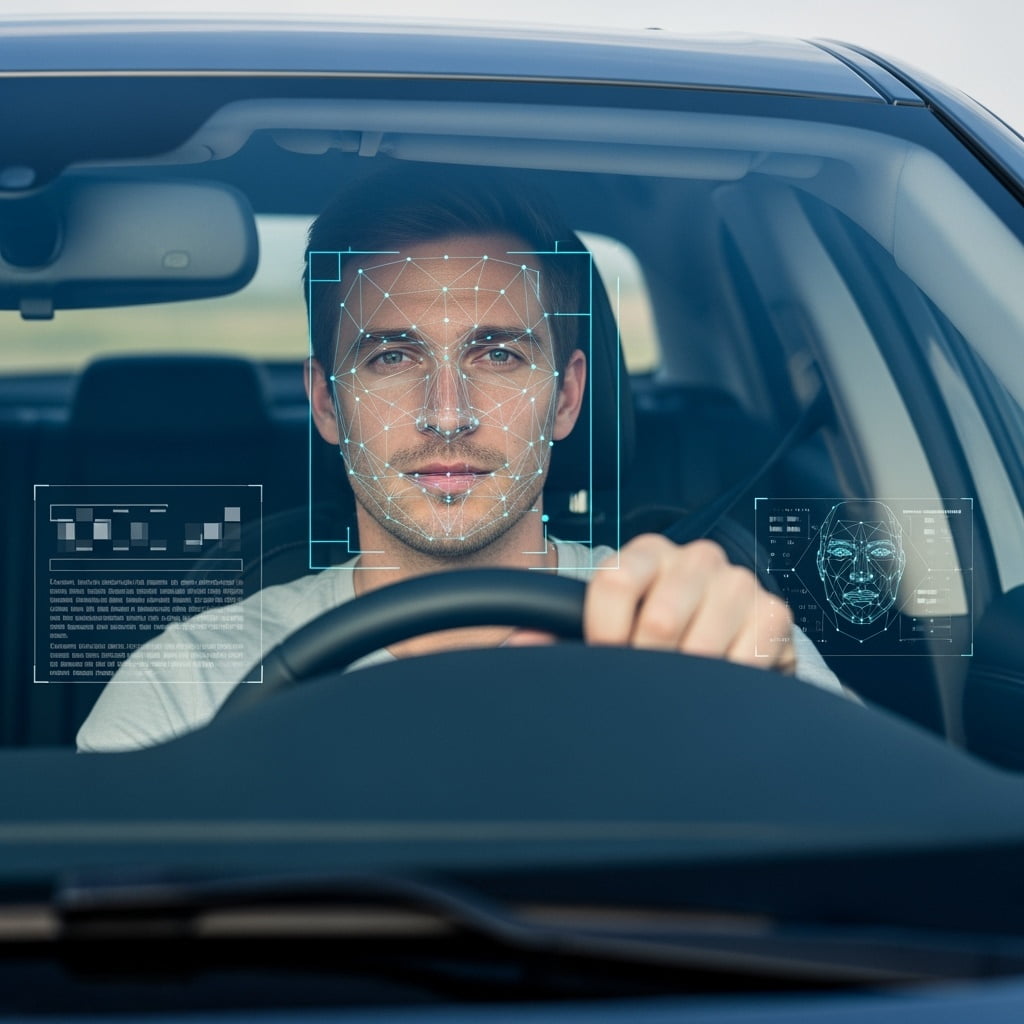
Autonomous driving requires video annotation across camera feeds, often fused with LiDAR and radar data. Common tasks include 2D and 3D bounding boxes, semantic segmentation of road scenes, lane detection, traffic sign classification, pedestrian tracking, and in-cabin monitoring for driver attention and occupant detection. Quality requirements are exceptionally high because labeling errors have direct safety consequences.
→ Learn More: A Deep Dive into Video Annotation for Autonomous Mobility – iMerit
Robotics and Industrial Automation
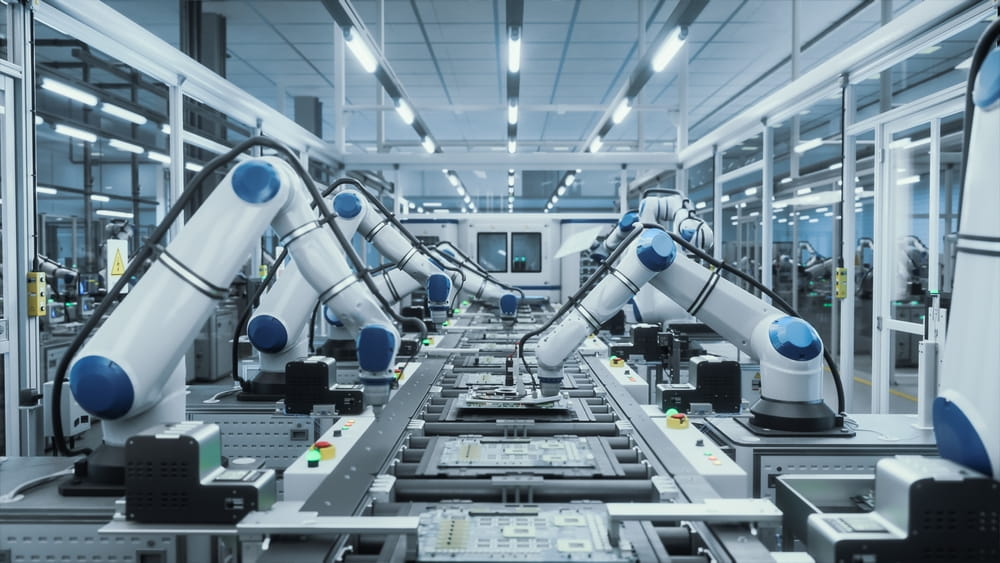
Robotics video annotation covers pick-and-place object tracking, navigation in dynamic environments, human-robot interaction, and assembly line inspection. Defect detection on production lines requires annotators who can identify subtle visual anomalies across high-speed footage.
→ Learn More: Data Annotation for Robotics: Challenges and Innovations – iMerit
Healthcare and Medical Video
Medical video annotation includes surgical video labeling (instrument tracking, phase recognition, anatomy identification), endoscopy analysis, ultrasound tracking, and patient monitoring. Annotators need clinical domain knowledge, and HIPAA compliance governs how patient video data is handled, stored, and accessed.
Sports Analytics and Broadcasting
Sports video annotation supports player tracking, action recognition, event tagging, and automated highlight generation. High frame rates and fast motion create annotation challenges, and multi-camera setups require cross-view object identity matching.
Surveillance and Security
Surveillance annotation covers person re-identification, anomaly detection, crowd analysis, and license plate tracking across multi-camera networks. Privacy and ethical considerations around facial recognition and behavioral monitoring are increasingly relevant.
Retail and Customer Behavior Analysis
Retail video annotation supports in-store movement tracking, shelf interaction analysis, queue monitoring, and heat mapping. The data helps retailers optimize store layouts, staffing, and merchandising, and it requires annotation workflows that handle multiple simultaneous subjects across extended time periods.
Agriculture and Environmental Monitoring
Agricultural video annotation uses drone and satellite footage for crop health monitoring, weed detection, wildlife tracking, and deforestation analysis. Annotators need to interpret aerial perspectives and environmental features that look significantly different from ground-level video.
How to Evaluate a Video Annotation Service Provider
What to Look For in a Provider
Key criteria include video-specific annotation experience (not just an image labeling vendor that
also accepts video), tracking and temporal QA capabilities, annotator training for the challenges outlined above (occlusion handling, ID persistence, fatigue management), platform and tooling maturity for video workflows, and scalability for high-volume video projects.
Questions to Ask During Evaluation
- What is your approach to maintaining object identity through occlusion and re-entry?
- How do you handle keyframe interpolation quality and tracking drift?
- Can you share temporal consistency metrics from comparable video projects?
- What is your annotator-to-reviewer ratio on video projects?
- How do you manage annotator fatigue on long video sequences?
- Do you support sensor fusion annotation (video + LiDAR + radar)?
- What annotation export formats do you support, and can you integrate with our ML pipeline?
- What security certifications do you hold?
- Can we run a pilot on our video data before committing to a production contract?
Crowd vs. Managed Teams for Video Annotation
Video annotation generally requires more consistency and contextual understanding than image labeling, making managed dedicated teams preferable for most production use cases. Crowd approaches can work for simple bounding box tracking on short clips, but they break down quickly on longer sequences, complex tracking scenarios, multi-camera coordination, or domain-specific content.
The cost per frame is higher for managed teams, but the total cost is often lower once you account for the tracking errors, ID inconsistencies, and rework that crowd approaches introduce on complex video tasks.
Pricing Models and What Drives Cost
Video annotation pricing varies by model: per-frame, per-object, per-minute of video, per-project, or managed service retainers. Factors that increase cost include annotation density (number of objects per frame), annotation type (segmentation is more expensive than bounding boxes), temporal complexity (fast motion, frequent occlusion), number of object classes, sensor fusion requirements, and turnaround speed.
The cheapest per-frame rate is rarely the cheapest total cost. Factor in rework, tracking quality, and QA overhead when comparing vendor proposals.
Video Annotation Best Practices
Define Your Ontology and Tracking Rules Before You Start
Object class definitions, ID persistence rules, occlusion handling policies, and edge case protocols all need to be documented before annotation begins. Ambiguity in the ontology cascades into inconsistent annotations across thousands of frames, and fixing it after production has started requires expensive re-annotation.
Choose the Right Frame Sampling Strategy
Not every frame needs annotation. Define keyframe intervals based on motion complexity, scene changes, and model requirements. Over-sampling wastes budget; under-sampling misses critical events. The right interval depends on the specific video content and should be validated during the pilot.
Invest in Pilot Batches and Calibration
Run small pilot batches with multiple annotators, measure agreement on both spatial accuracy and tracking consistency, review edge cases, and refine guidelines before scaling to full production. Pilots should include representative sequences with challenging scenarios (fast motion, occlusion, degraded visibility), not just clean footage.
Build Temporal QA Into Your Workflow
Add playback review, tracking continuity checks, and temporal smoothness validation as dedicated QA steps. Frame-by-frame QA alone will miss tracking drift, ID switches, and interpolation artifacts that only become visible when the annotation is viewed as a sequence.
Plan for Iteration With Your ML Pipeline
Video annotation is rarely a one-shot process. As models improve, annotation requirements shift. New edge cases surface, class definitions refine, and re-annotation of subsets becomes necessary. Build your annotation workflow to support iterative refinement, not just initial delivery.
→ Learn More: Continual Learning in Robotics: Feedback Loops & HITL for Smarter AI – iMerit
Data Security and Compliance
Video data often contains PII (faces, license plates, locations). De-identification workflows, access controls, annotator NDAs, and compliance with GDPR and HIPAA should be evaluated early in the vendor selection process. Video files are also large, which creates additional considerations around data transfer, storage, and retention policies.
The Future of Video Annotation
Foundation Models and Auto-Annotation for Video
Foundation models like Segment Anything (SAM) and its video extensions are changing the annotation landscape. Track-anything approaches can generate draft annotations for common object types, reducing the volume of manual work required. But these models still struggle with domain-specific objects, unusual conditions, and the edge cases that matter most for model improvement. Human review remains essential, and the annotator’s role is shifting toward correction and expert judgment rather than frame-by-frame manual labeling.
Synthetic Video Data: Complement or Replacement?
Game engines and simulation environments can generate labeled training video with perfect ground truth annotations. Synthetic video is useful for bootstrapping new projects, generating rare scenarios, and augmenting real-world datasets. But models trained primarily on synthetic video often struggle with the visual variability and messiness of real-world footage. In safety-critical applications, synthetic data works best as a supplement, not a substitute.
Edge Cases and Long-Tail Scenarios
As models improve on common scenarios, the value of annotation shifts toward rare events, unusual conditions, and adversarial examples. A self-driving model that handles 99% of traffic scenarios still needs annotation for the 1% that includes construction zones, unusual vehicles, unexpected pedestrian behavior, and extreme weather. The annotation task becomes harder and more specialized as models mature.
Real-Time and Streaming Annotation
Emerging approaches to annotating video in near-real-time are gaining traction for continual learning systems. Rather than batch-processing recorded video, these workflows annotate streaming data to update models on the fly. The approach is still early, but relevant for surveillance, manufacturing, and autonomous systems that need to adapt to changing environments without waiting for offline annotation cycles.

Partner with iMerit to Power Your Computer Vision Models
Video-based AI models are only as reliable as the annotations they’re trained on. iMerit pairs our AI platform, Ango Hub, with domain-trained annotation teams that bring real expertise to every project, from surgical videos and clinical anatomy to LiDAR-fused driving scenes and production-line defect detection.
iMerit has annotated 2M+ video data points at 95% accuracy across autonomous vehicles, healthcare, robotics, agriculture, and sports analytics. Our video annotation solutions cover tracking complexity, temporal QA, and multi-sensor fusion across every engagement, backed by SOC 2, ISO 27001, HIPAA, GDPR, and TISAX certifications.
Contact iMerit to learn how our video annotation services can support your next computer vision project.
Frequently Asked Questions
What is video annotation in machine learning?
Video annotation is the process of labeling objects, actions, and events across video frames to create training data for computer vision models. It requires tracking objects through time, maintaining consistent identities across frames, and capturing temporal relationships like motion and scene dynamics.
How is video annotation different from image annotation?
Image annotation labels a single frame. Video annotation labels a sequence and requires maintaining object identity, tracking motion, and handling temporal challenges like occlusion and re-entry.
How much do video annotation services cost?
Costs vary depending on annotation type, density (objects per frame), temporal complexity, domain expertise required, and volume. Bounding box tracking is less expensive per frame than pixel-level segmentation or 3D cuboid annotation. Providers typically offer per-frame, per-minute, per-project, or managed retainer pricing.
What is keyframe interpolation in video annotation?
Keyframe interpolation is a technique where annotators label selected frames (keyframes) and the system generates annotations for the frames in between using interpolation algorithms. It significantly reduces manual annotation volume compared to frame-by-frame labeling. The accuracy trade-off depends on motion complexity, frame rate, and interpolation quality.
What is object tracking annotation?
Object tracking annotation involves maintaining labels around objects across a video sequence while preserving a consistent identity for each object. The goal is to teach a model to follow specific objects through time, even as they move, change appearance, or temporarily leave the frame.
How do you maintain annotation quality across thousands of frames?
Temporal consistency checks, playback review at speed, gold standard tasks, multi-annotator consensus on sample sequences, and statistical monitoring of annotator performance over time.
What industries use video annotation services?
Major consumers include autonomous vehicles and ADAS, robotics, healthcare, sports analytics, surveillance, retail, and agriculture. Each has distinct annotation requirements, domain expertise needs, and regulatory considerations.
Can video annotation be fully automated?
Foundation models can generate draft annotations for common object types, reducing manual effort significantly. But for complex tracking, domain-specific objects, edge cases, and safety-critical applications, human review remains essential. Most production teams use model-assisted pre-annotation combined with human verification.
What should I look for in a video annotation provider?
Video-specific annotation experience, tracking and temporal QA capabilities, annotator training for video-specific challenges, platform support for video workflows, sensor fusion capabilities if relevant, annotation format compatibility with your ML pipeline, security certifications, and willingness to run a pilot before committing.
How long does a video annotation project take?
A pilot batch typically takes one to two weeks. Production-scale projects can run for several months or on an ongoing basis, depending on volume and iteration cycles. Key factors include annotation density, keyframe interval, and how quickly the ontology stabilizes after calibration.
References: